PicLimit
A downloadable project for Windows
Pick your limit. Resize. Done.
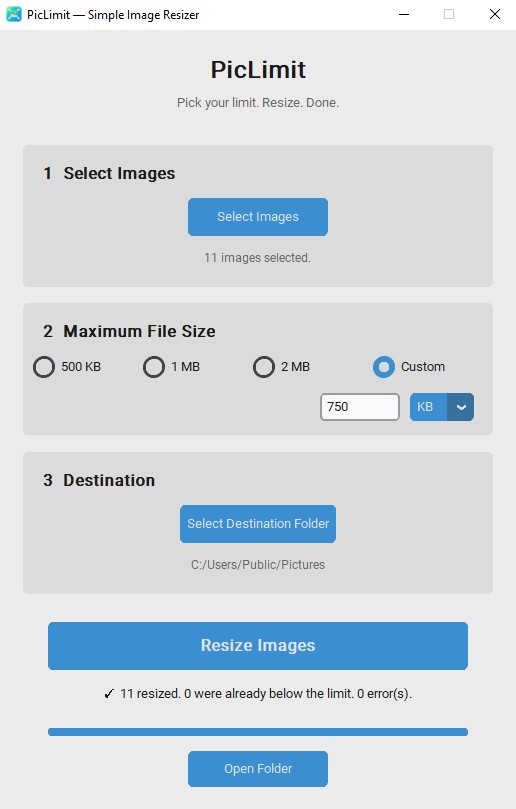
PicLimit is a simple Windows image resizing tool built for people who don't want to deal with percentages, pixel dimensions, quality sliders, or complicated compression settings.
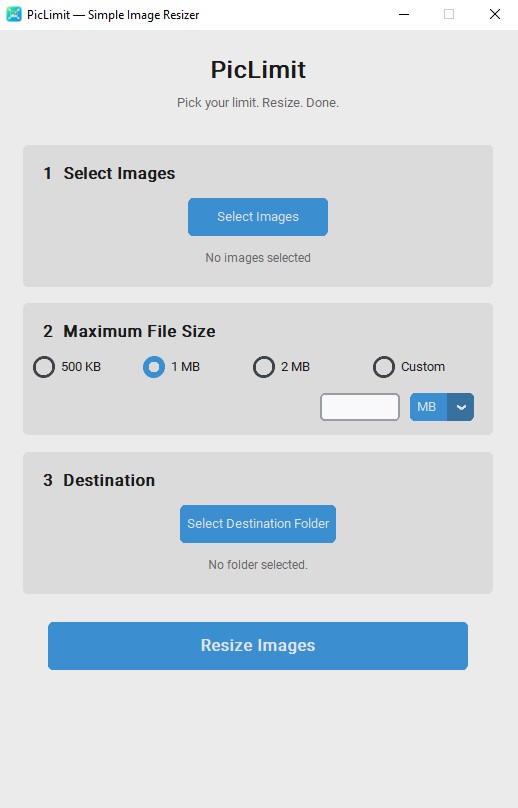
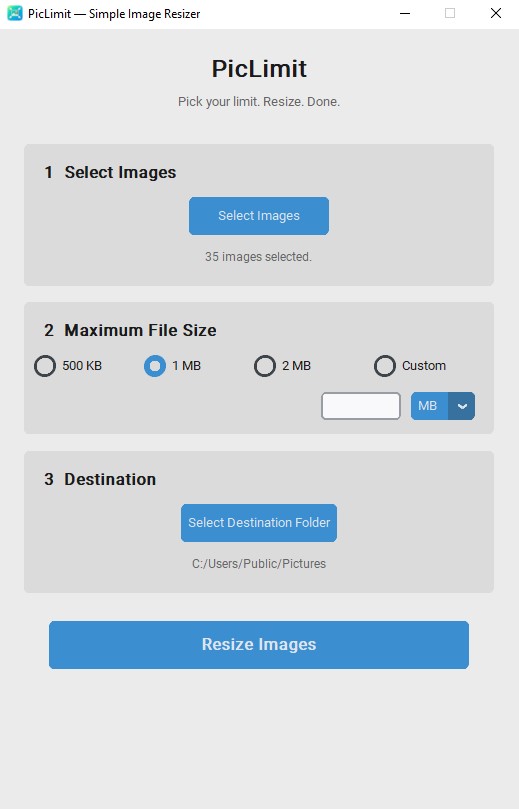
Select your pictures, choose the maximum file size you want, select a destination folder, and let PicLimit handle the rest.
Simple by design
Choose from 500 KB, 1 MB, 2 MB, or enter your own custom size in KB or MB.
PicLimit supports multiple images at once, so you don't need to resize pictures individually.
Features
- Resize multiple images in one batch
- Set a maximum file size instead of a percentage
- 500 KB, 1 MB and 2 MB presets
- Custom KB or MB targets
- JPG, JPEG, PNG and WEBP support
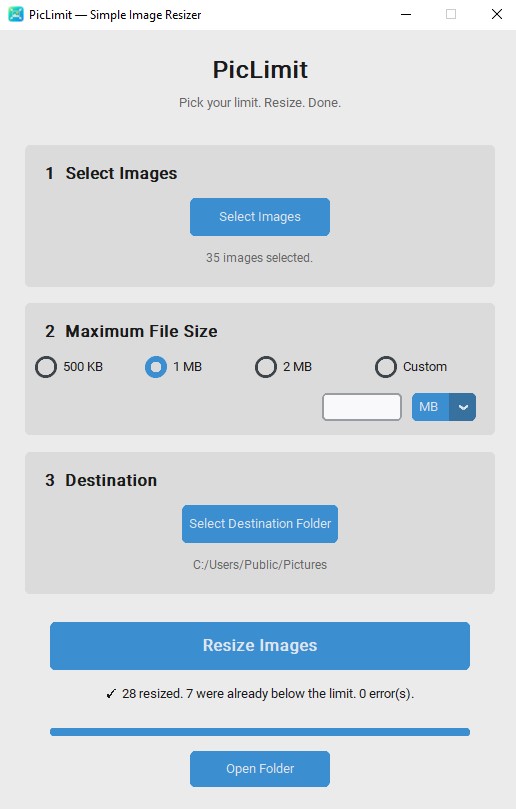
- Images already below your limit are kept unchanged
- Automatically avoids overwriting existing files
- Simple three-step interface
- English, Japanese and Portuguese versions
- No account required
- No internet connection required
Your pictures stay on your computer
PicLimit works entirely on your PC.
Your images are not uploaded anywhere.
There are no cloud processing services or accounts involved. Your files stay on your computer throughout the resizing process.
How it works
- Select your images
- Pick your maximum file size
- Choose where to save them
- Resize
That's it.
Supported formats
JPG / JPEG / PNG / WEBP
Languages
Your purchase includes:
- 🇺🇸 English
- 🇯🇵 日本語
- 🇧🇷 Português
Download whichever version you prefer.
Installation
PicLimit is currently distributed as a portable Windows application.
Download and extract the ZIP file, open the PicLimit folder, and run PicLimit.exe.
The _internal folder contains files required by PicLimit and should remain alongside the executable.
Windows SmartScreen
PicLimit is currently an unsigned application from an independent developer. Because of this, Windows Defender SmartScreen may display a “Windows protected your PC” message and show “Unknown publisher” when PicLimit is opened for the first time.
If you downloaded PicLimit from this official itch.io page, select More info → Run anyway to launch the application.
This warning can appear because PicLimit does not currently have a digital code-signing certificate; it does not mean that Windows Defender has detected PicLimit as malware.
You do not need to disable Windows Defender or SmartScreen.
PicLimit v1.2.0
This is the first public release of PicLimit. Feedback and bug reports are welcome.
Purchase
In order to download this project you must purchase it at or above the minimum price of $2.99 USD. You will get access to the following files:
Leave a comment
Log in with itch.io to leave a comment.